Managing Validator Information
Once onboarding is complete, you can update your validator's information.

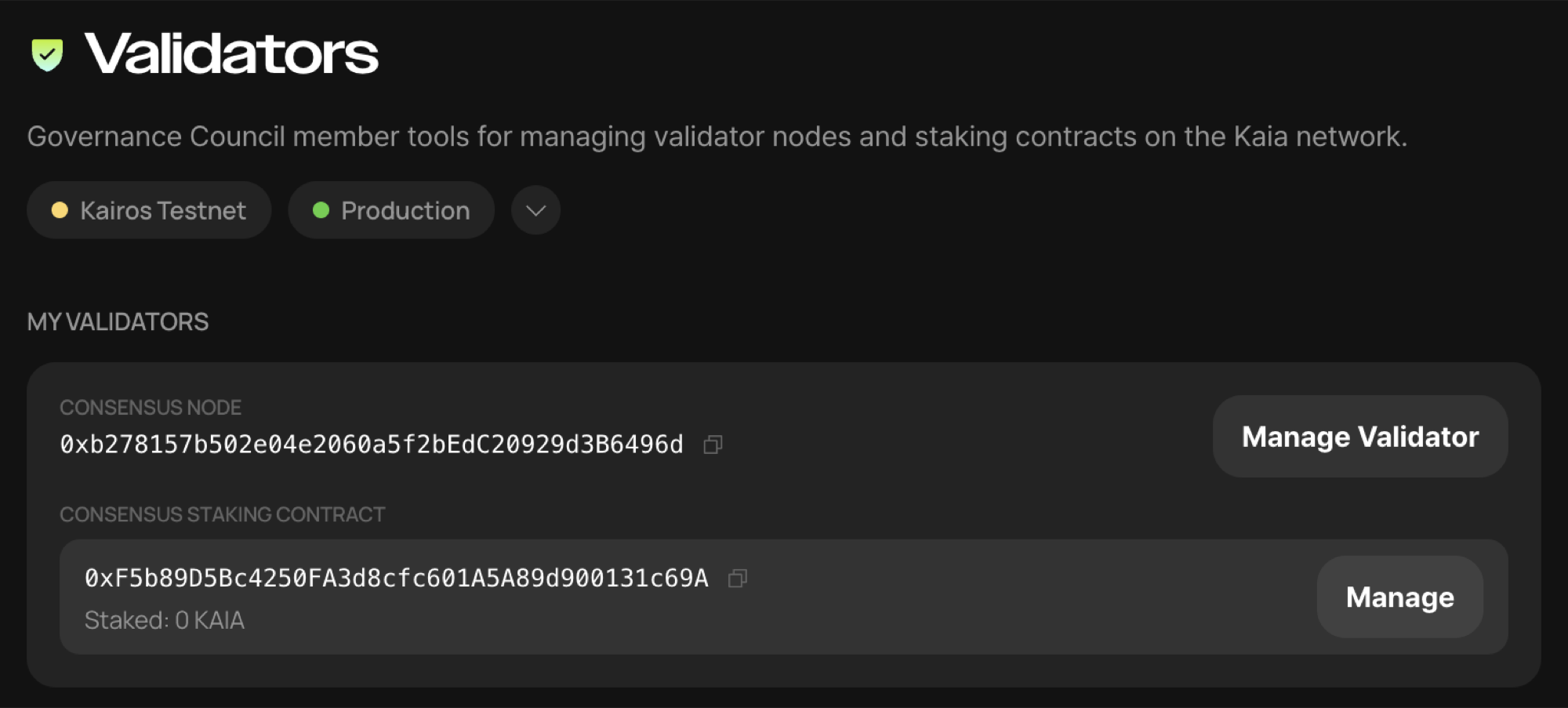
After logging in as the validator manager and navigating to the Home menu, you can see the onboarded validator.
On this screen, click [Manage Validator] to enter the validator management screen.

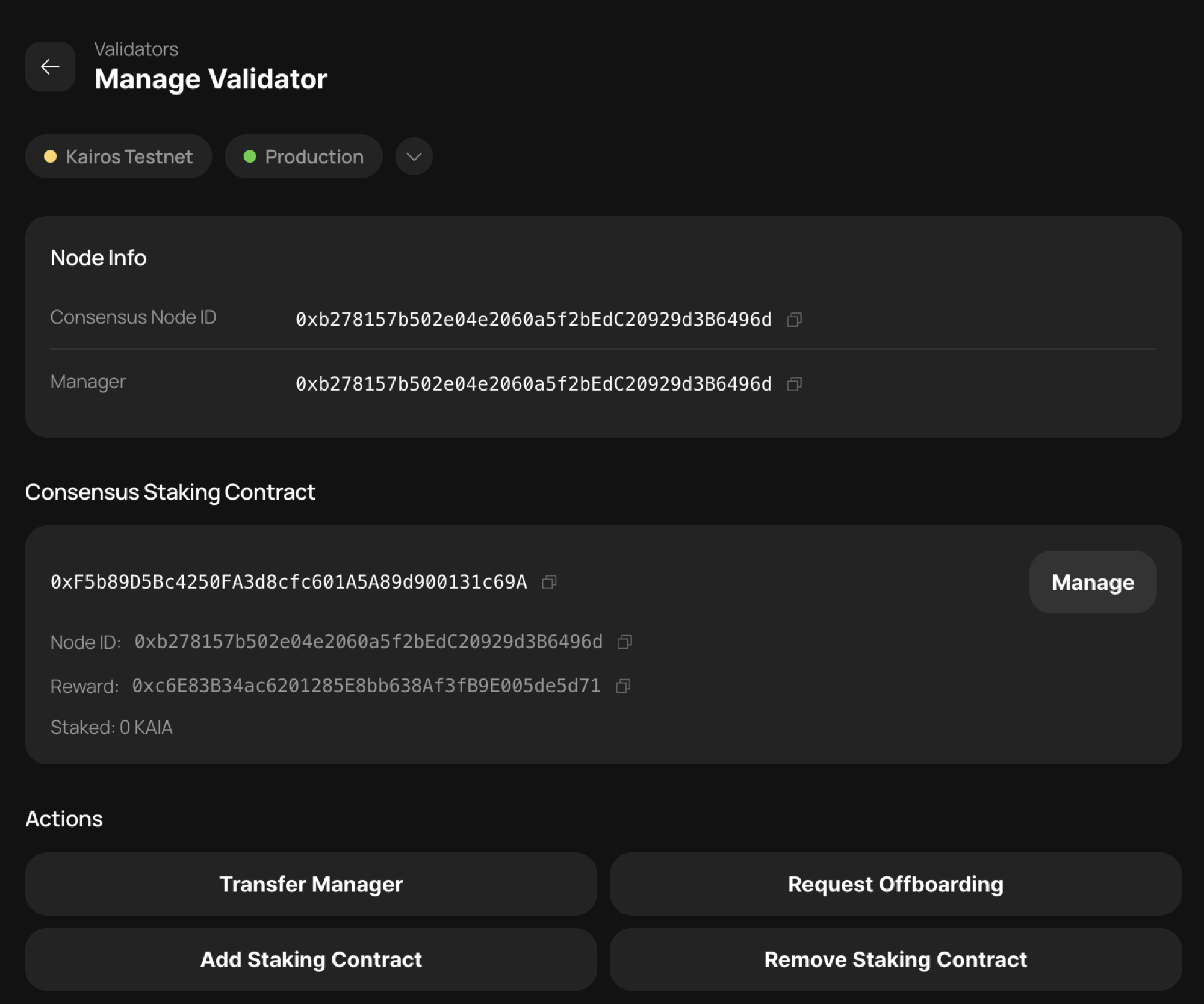
Here you can perform the following actions.
-
Transfer Manager — change the Validator Manager account.
-
Request Offboarding — submit an offboarding request to remove the validator.
-
Add Staking Contract — add an auxiliary staking contract. You can operate multiple staking contracts (multi staking contracts) for purposes such as separating staking funds. Note that this feature will not be supported in Permissionless Phase 2, so we strongly recommend not using it unless you have a specific reason to.
-
Remove Staking Contract — remove an auxiliary staking contract. This removes one of the multiple staking contracts registered to the validator. Note that the main staking contract (consensus staking contract) used for onboarding cannot be removed; only auxiliary staking contracts added later can be removed.