本頁面使用機器翻譯自英語,可能包含錯誤或不清楚的語言。如需最準確的信息,請參閱英文原文。由於更新頻繁,部分內容可能與英文原文有出入。請加入我們在 Crowdin 上的努力,幫助我們改進本頁面的翻譯。 (Crowdin translation page, Contributing guide)
Managing Staking Contracts

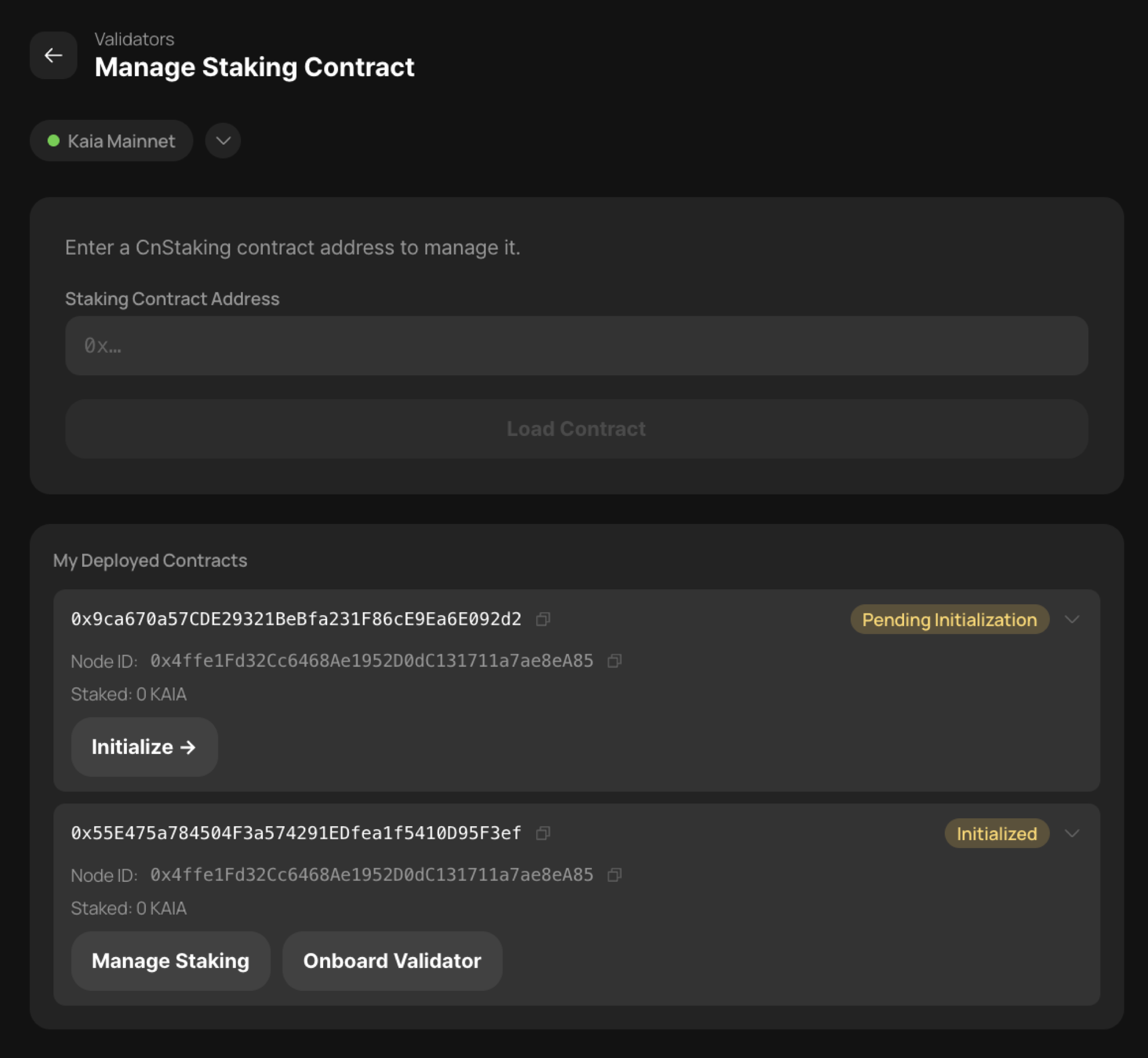
In the Manage Staking menu, you can modify information on previously deployed staking contracts.
If you connect using the wallet that deployed the contracts, you can browse the list of staking contracts, select a specific contract, and click [Manage Staking] to enter its management screen.

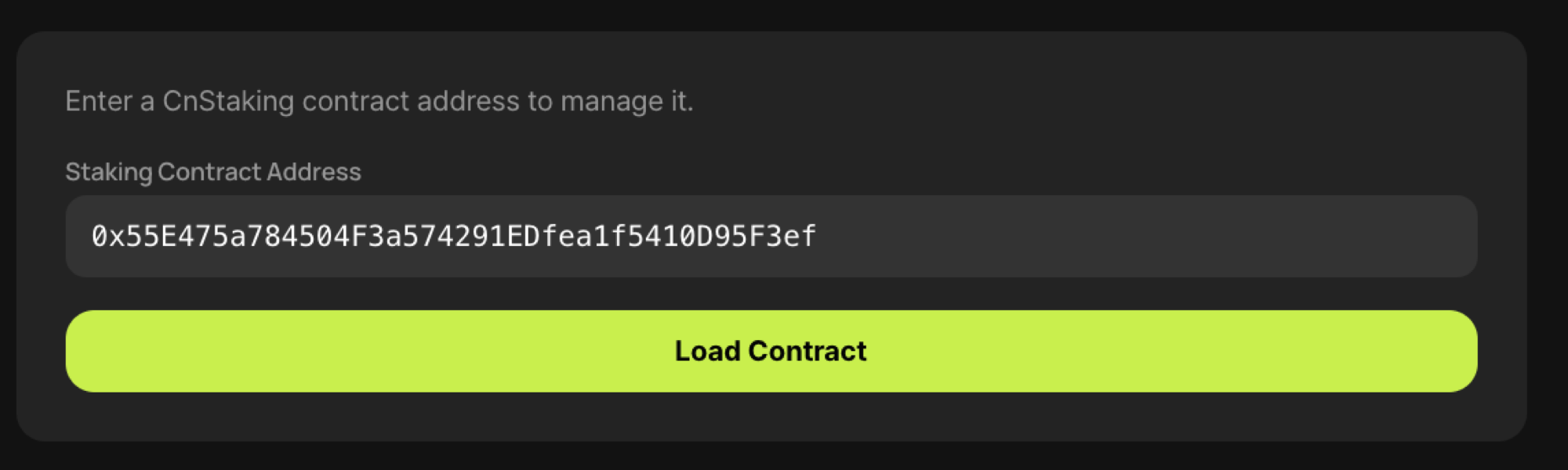
Alternatively, if you log in with any staking contract admin wallet, you can enter the staking contract address in the [Enter a CnStaking contract address to manage it] box to enter the management screen.

On this screen you can perform the following actions.
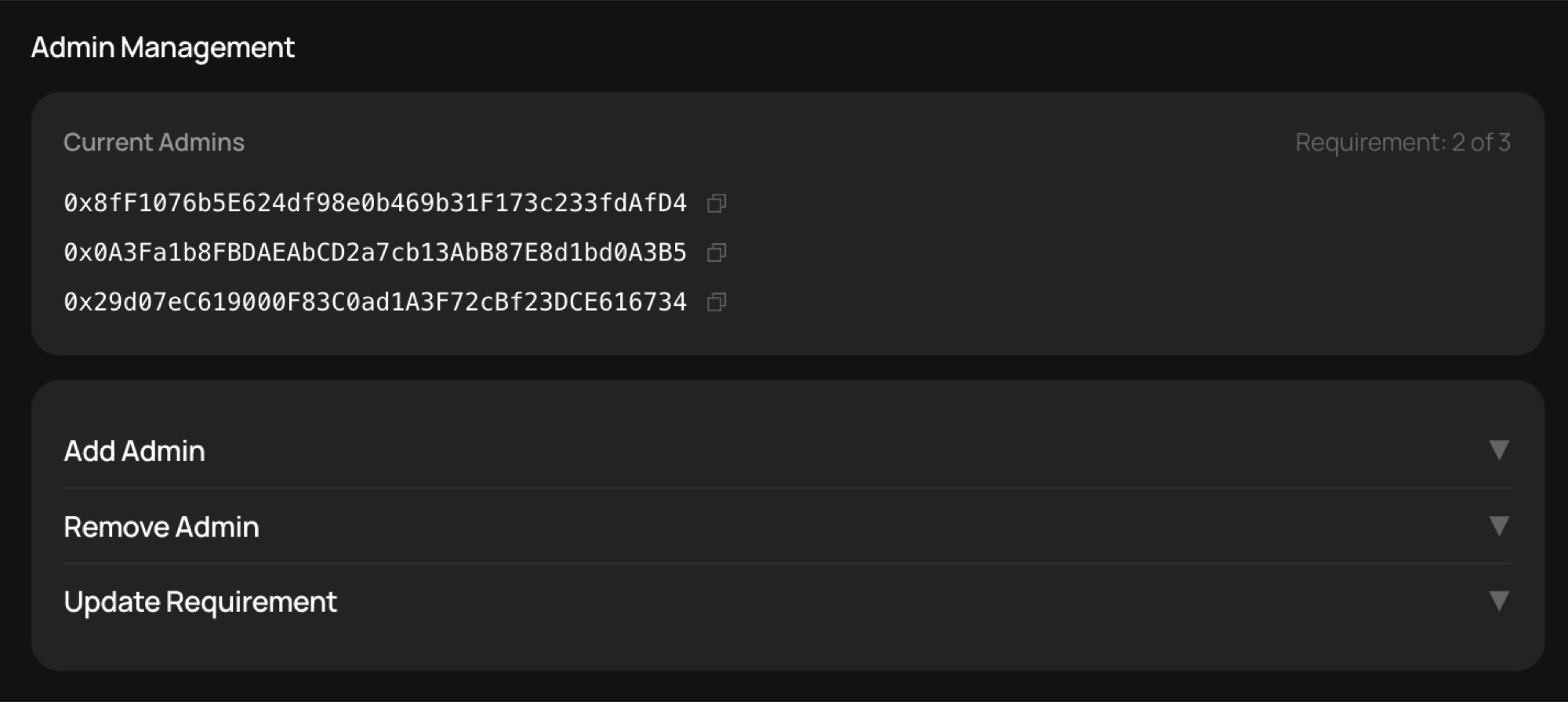
Admin Management
- Add Admin — add a staking contract admin.
- Remove Admin — remove a staking contract admin.
- Update Requirement — change the multisig threshold for the staking contract.
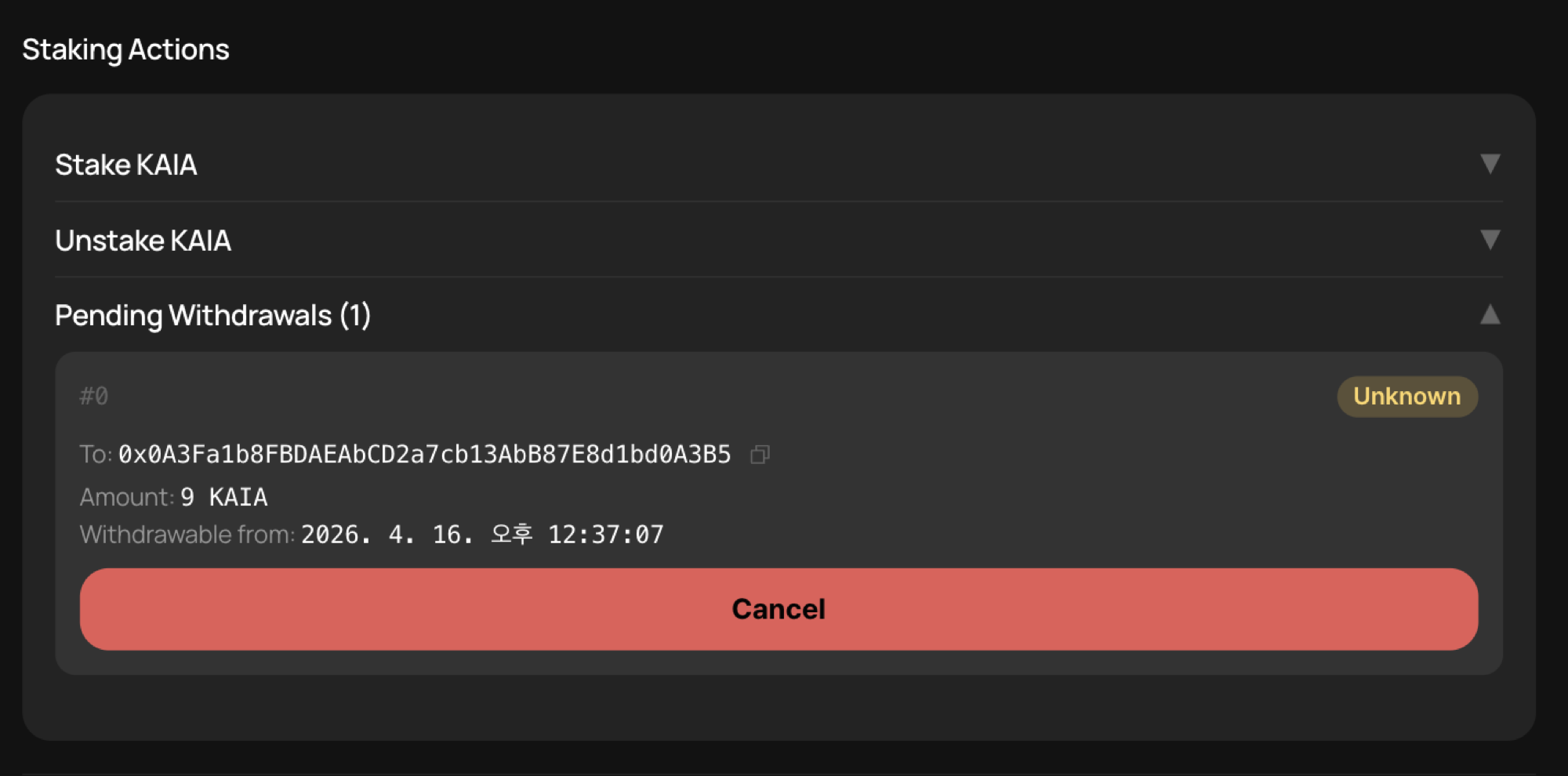
Staking Operations

- Stake KAIA — if Public Delegation is disabled, you can stake KAIA at your discretion.
- Unstake KAIA — if Public Delegation is disabled, the staking contract admin can unstake KAIA at their discretion.
- Pending Withdrawals — after clicking the unstake button, you can claim KAIA between 7 days and 14 days later.
Address & Tracker Management

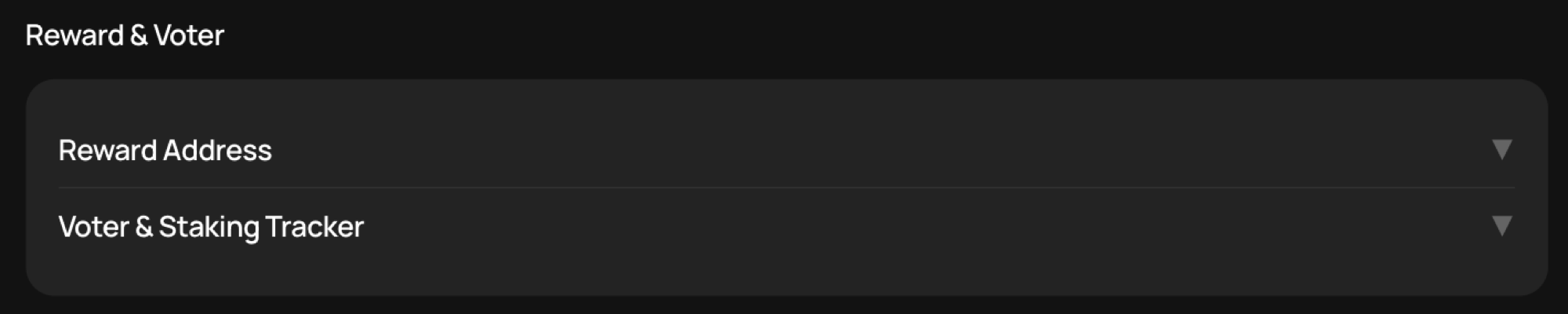
- Reward Address — if Public Delegation is disabled, you can change the reward address.
- Voter & Staking Tracker — change the voter address used for GC voting. When Staking Tracker is updated, you can also change the Staking Tracker address.
Redelegation

- Redelegation — enable or disable the Redelegation feature, which waives the 7-day unstaking period and moves KAIA immediately between staking contracts. Both the source and destination staking contracts must have Redelegation enabled. See KIP-163 for details.
Multisig Requests

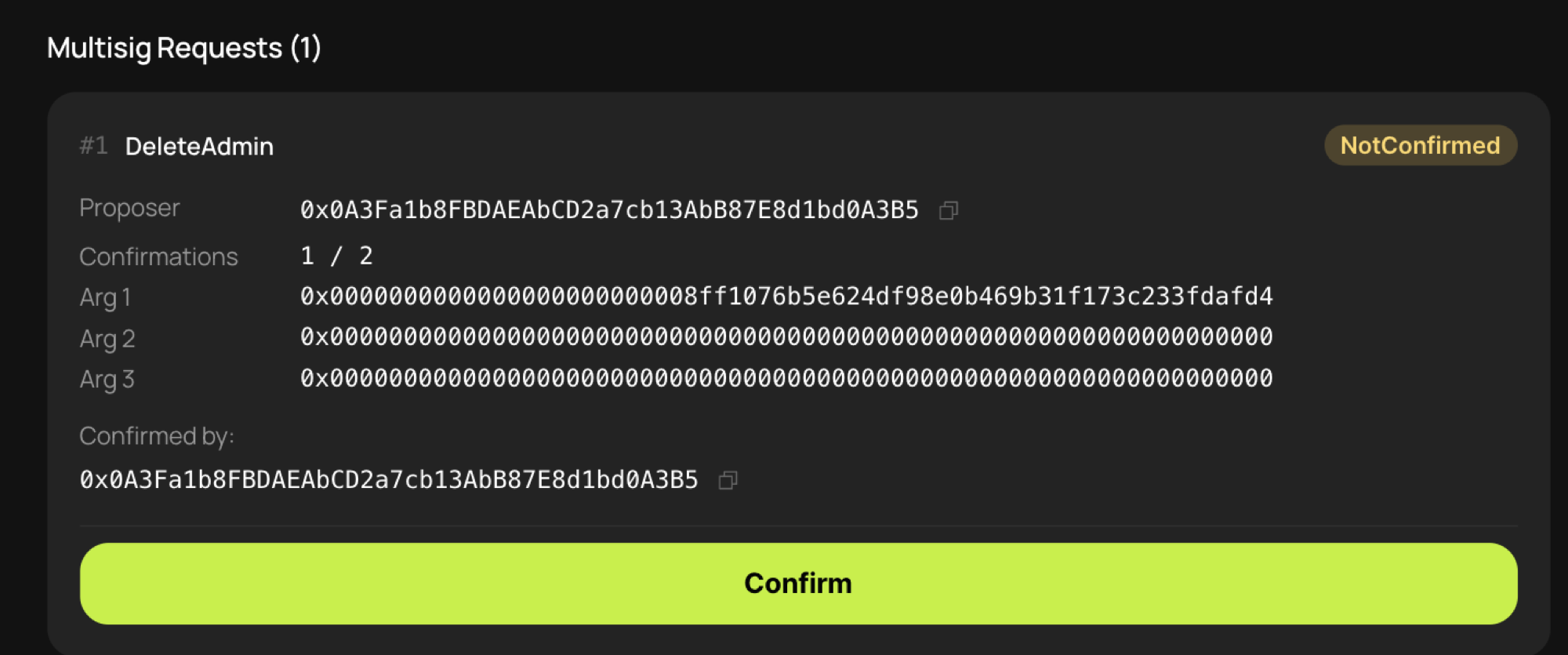
- Multisig requests — when the multisig threshold is 2 or more, performing any of actions 1–9 requires confirmations from the staking contract admins. For requests that have not yet gathered enough confirmations, each admin can log in via this screen and perform the confirmation flow. As soon as enough confirmations are collected, the change request is executed.