This page uses machine translation from English, which may contain errors or unclear language. For the most accurate information, please see the original English version. Some content may be in the original English due to frequent updates. Help us improve this page's translation by joining our effort on Crowdin. (Crowdin translation page, Contributing guide)
Quản lý hợp đồng staking
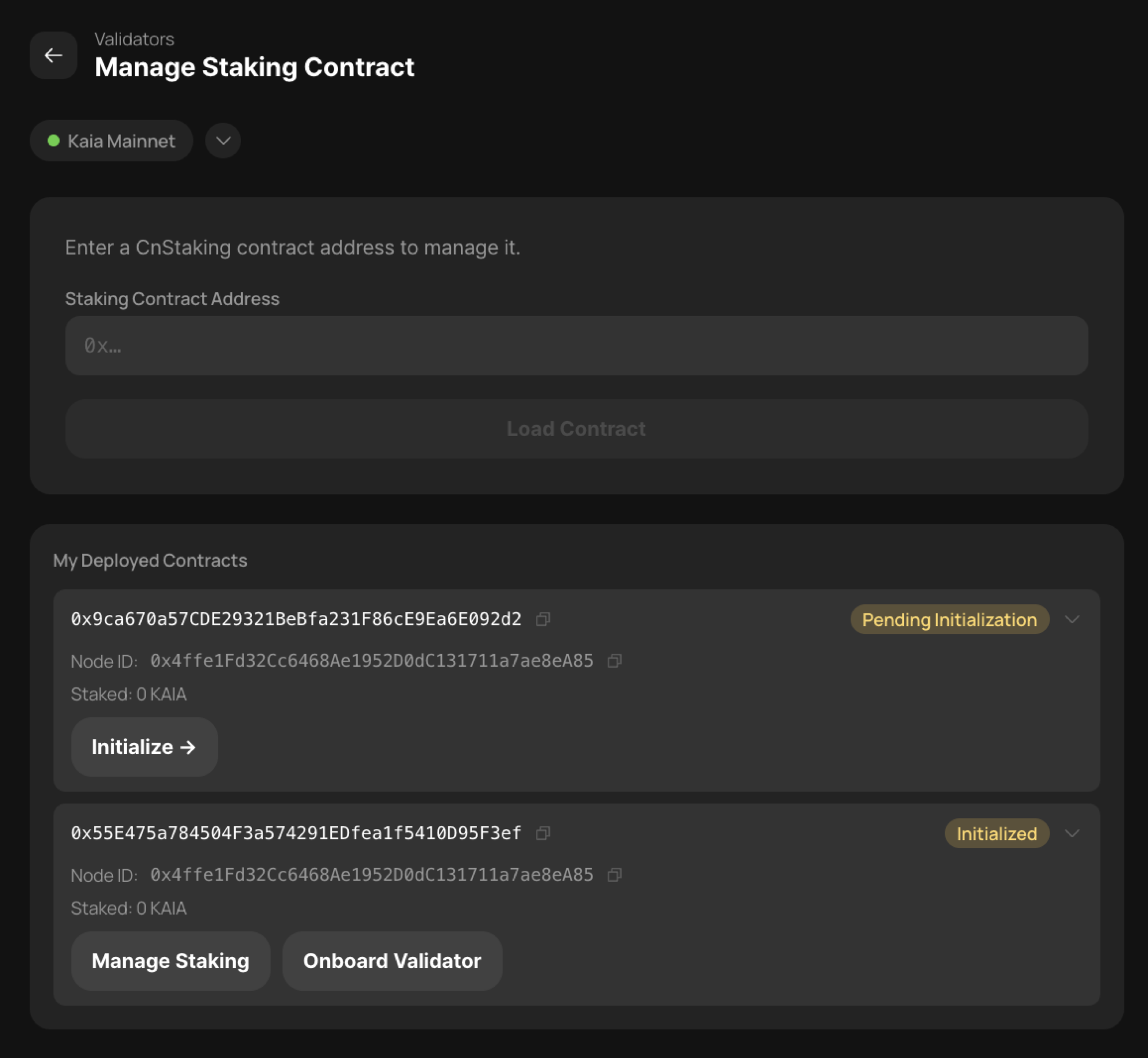
Trong menu Quản lý Staking, bạn có thể chỉnh sửa thông tin về các hợp đồng staking đã được triển khai trước đó.
Nếu bạn kết nối bằng ví đã triển khai các hợp đồng, bạn có thể xem danh sách các hợp đồng staking, chọn một hợp đồng cụ thể và nhấp vào [Quản lý Staking] để truy cập vào màn hình quản lý của hợp đồng đó.
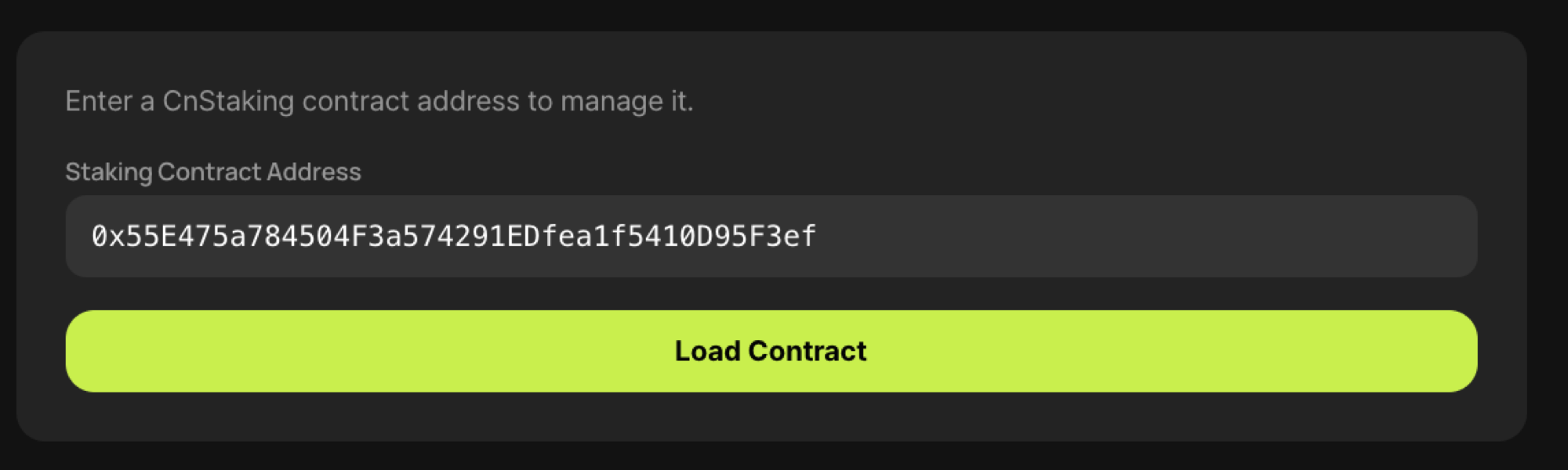
Ngoài ra, nếu bạn đăng nhập bằng bất kỳ ví quản trị hợp đồng staking nào, bạn có thể nhập địa chỉ hợp đồng staking vào ô [Nhập địa chỉ hợp đồng CnStaking để quản lý] để truy cập vào màn hình quản lý.
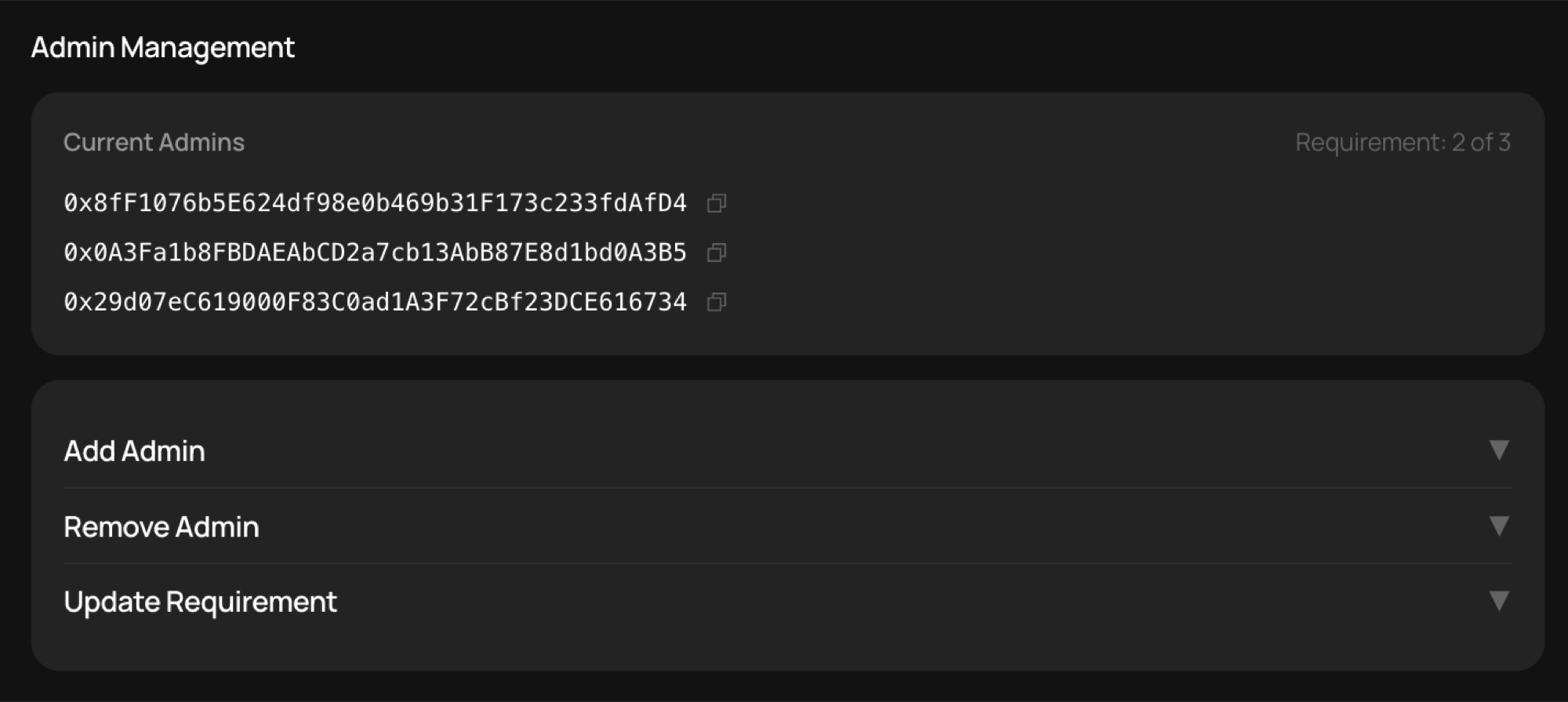
Trên màn hình này, bạn có thể thực hiện các thao tác sau.
Quản lý hành chính
- Thêm quản trị viên — thêm quản trị viên hợp đồng staking.
- Xóa quản trị viên — xóa quản trị viên của hợp đồng staking.
- Yêu cầu cập nhật — thay đổi ngưỡng đa chữ ký cho hợp đồng staking.
Hoạt động đặt cược

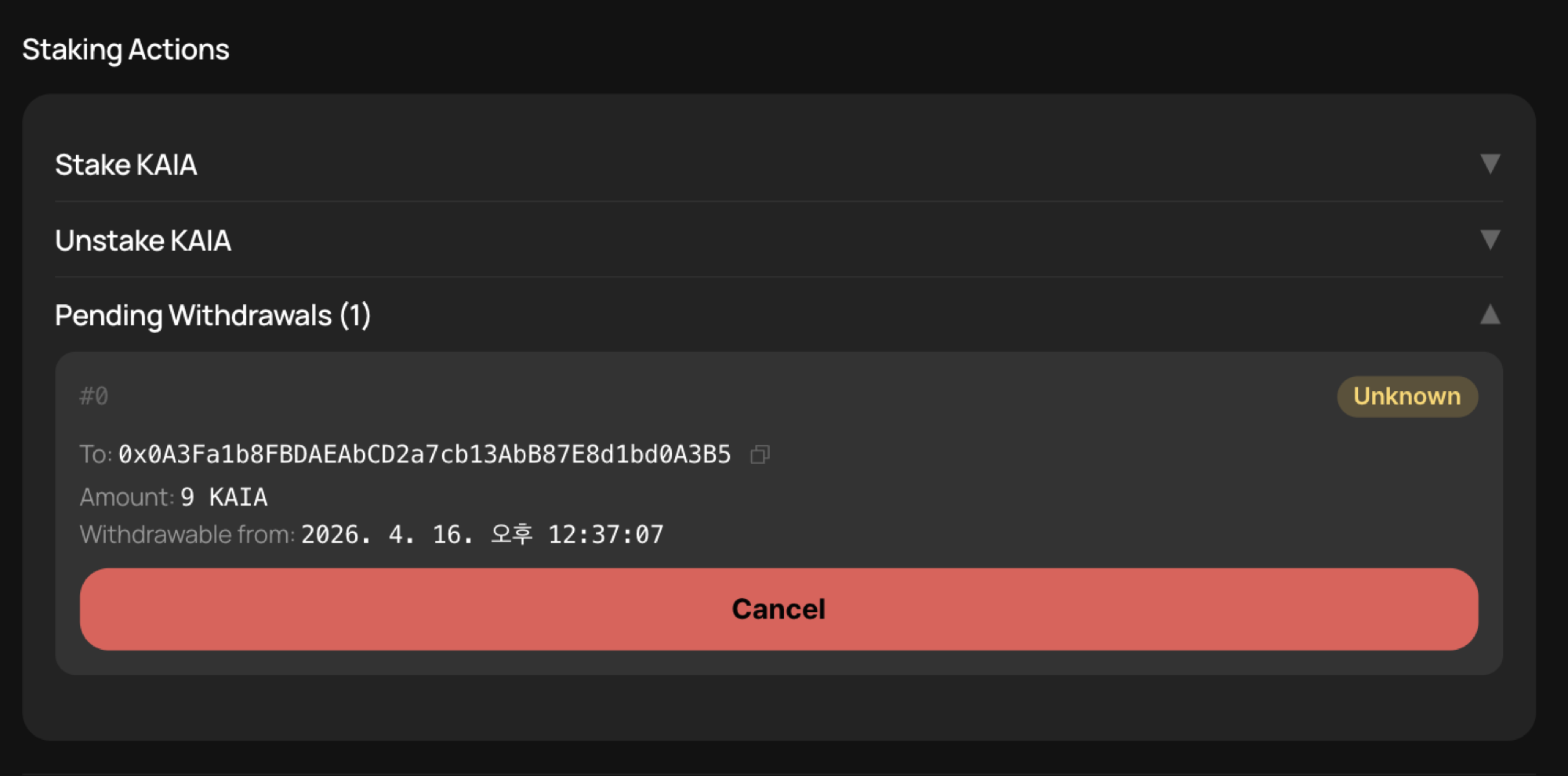
- Đặt cược KAIA — nếu tính năng Ủy quyền công khai bị tắt, bạn có thể đặt cược KAIA theo ý muốn.
- Rút KAIA khỏi staking — nếu tính năng Ủy quyền công khai bị tắt, quản trị viên hợp đồng staking có thể rút KAIA khỏi staking theo quyết định của mình.
- Giao dịch rút tiền đang chờ xử lý — sau khi nhấp vào nút “Unstake”, bạn có thể nhận KAIA sau 7 ngày đến 14 ngày.
Quản lý địa chỉ và theo dõi
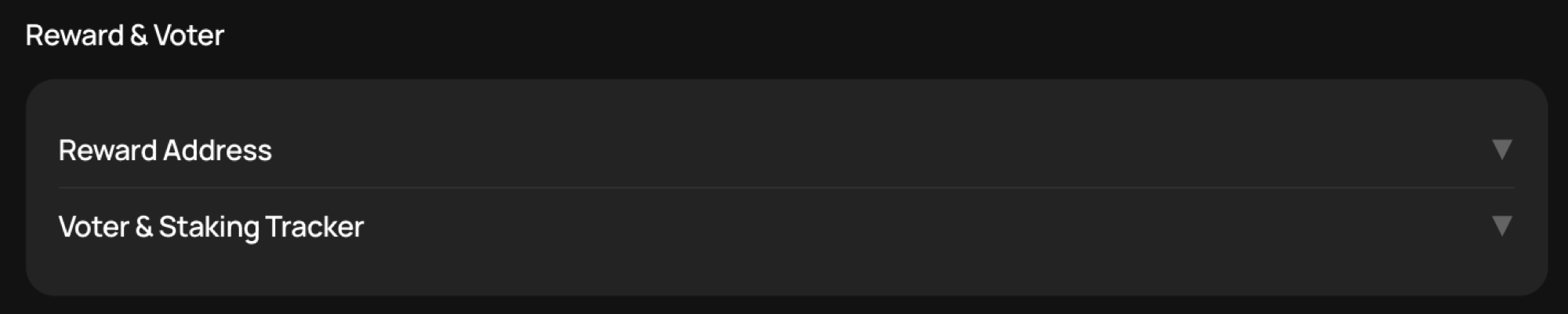
- Địa chỉ nhận phần thưởng — nếu tính năng Ủy quyền công khai bị tắt, bạn có thể thay đổi địa chỉ nhận phần thưởng.
- Trình theo dõi người bỏ phiếu & đặt cược — thay đổi địa chỉ người bỏ phiếu được sử dụng cho việc bỏ phiếu GC. Khi Staking Tracker được cập nhật, bạn cũng có thể thay đổi địa chỉ của Staking Tracker.
Chuyển giao lại

- Chuyển giao lại — bật hoặc tắt tính năng Chuyển giao lại, giúp bỏ qua thời gian rút tiền đặt cọc 7 ngày và chuyển KAIA ngay lập tức giữa các hợp đồng đặt cọc. Cả hợp đồng staking nguồn và hợp đồng staking đích đều phải bật tính năng Redelegation. Xem KIP-163 để biết thêm chi tiết.
Yêu cầu đa chữ ký
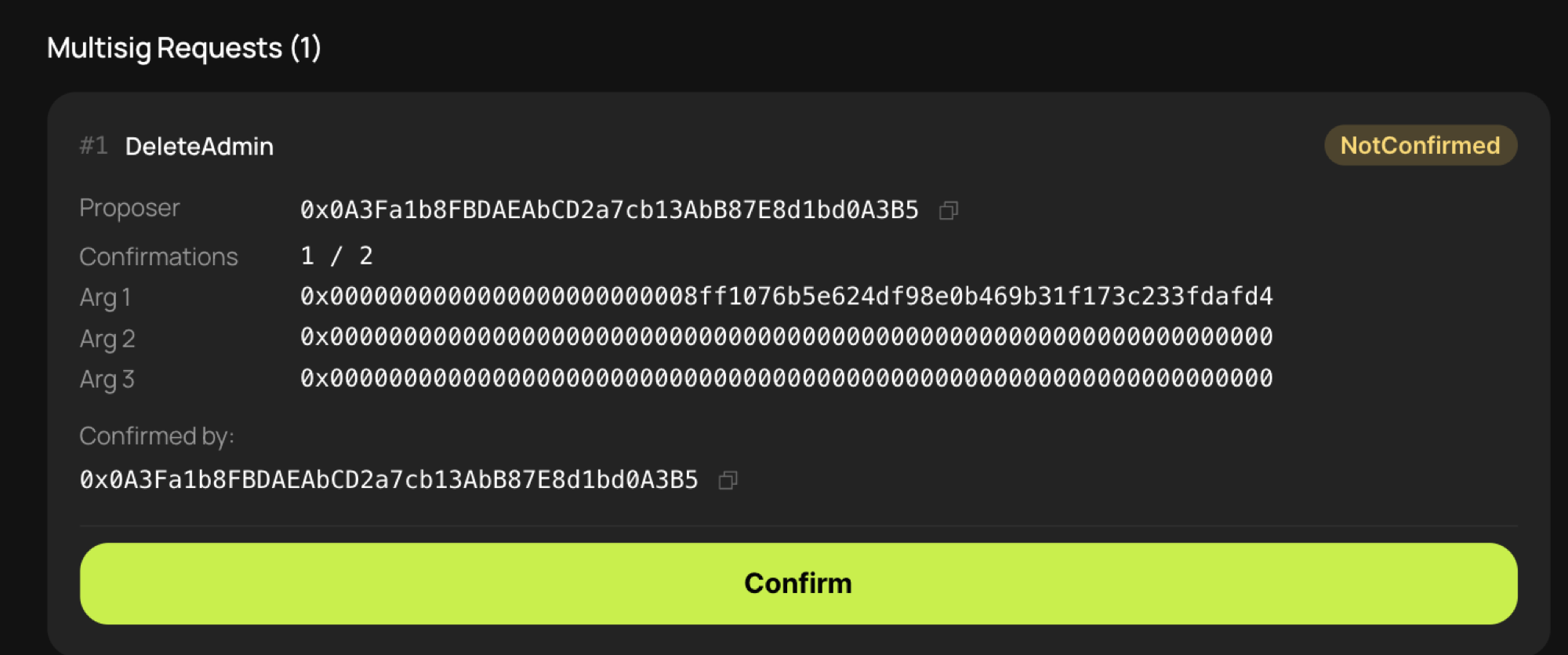
- Yêu cầu đa chữ ký — khi ngưỡng đa chữ ký là 2 hoặc nhiều hơn, việc thực hiện bất kỳ hành động nào trong số các hành động từ 1 đến 9 đều yêu cầu sự xác nhận từ các quản trị viên hợp đồng staking. Đối với các yêu cầu chưa thu thập đủ số lượt xác nhận, mỗi quản trị viên có thể đăng nhập qua màn hình này và thực hiện quy trình xác nhận. Ngay khi thu thập đủ số lượng xác nhận, yêu cầu thay đổi sẽ được thực hiện.