KaiaでSafe Walletをご利用ください
Safeを作る
ここでは、Safe Wallet を使用して Kaia で Safe スマートアカウントを作成する方法をご紹介します。
手順 1: ブラウザで Safe Wallet を開きます。ランディングページには2つのタブがあります。1つは、複数のアカウントを共同で管理するチーム向けの**「ワークスペース」、もう1つは、連携済みのウォレットでログインしているセーフ向けの「マイアカウント」です。 1つの「セーフ」を作成するには、「マイアカウント」**の画面にとどまってください。
複数の「セーフ」とレビュー担当チームを擁する財務管理を行っていますか? Workspace では、可視性は必要だが署名キーを保持すべきではないメンバー向けに、共有ダッシュボード、共有アドレス帳、およびメールログイン機能が追加されています。これは有料の「Safe Pro」プランの一部であり、オプション機能です。まずは無料で「Safe」を作成し、必要に応じて後で「ワークスペース」に整理することも可能です。
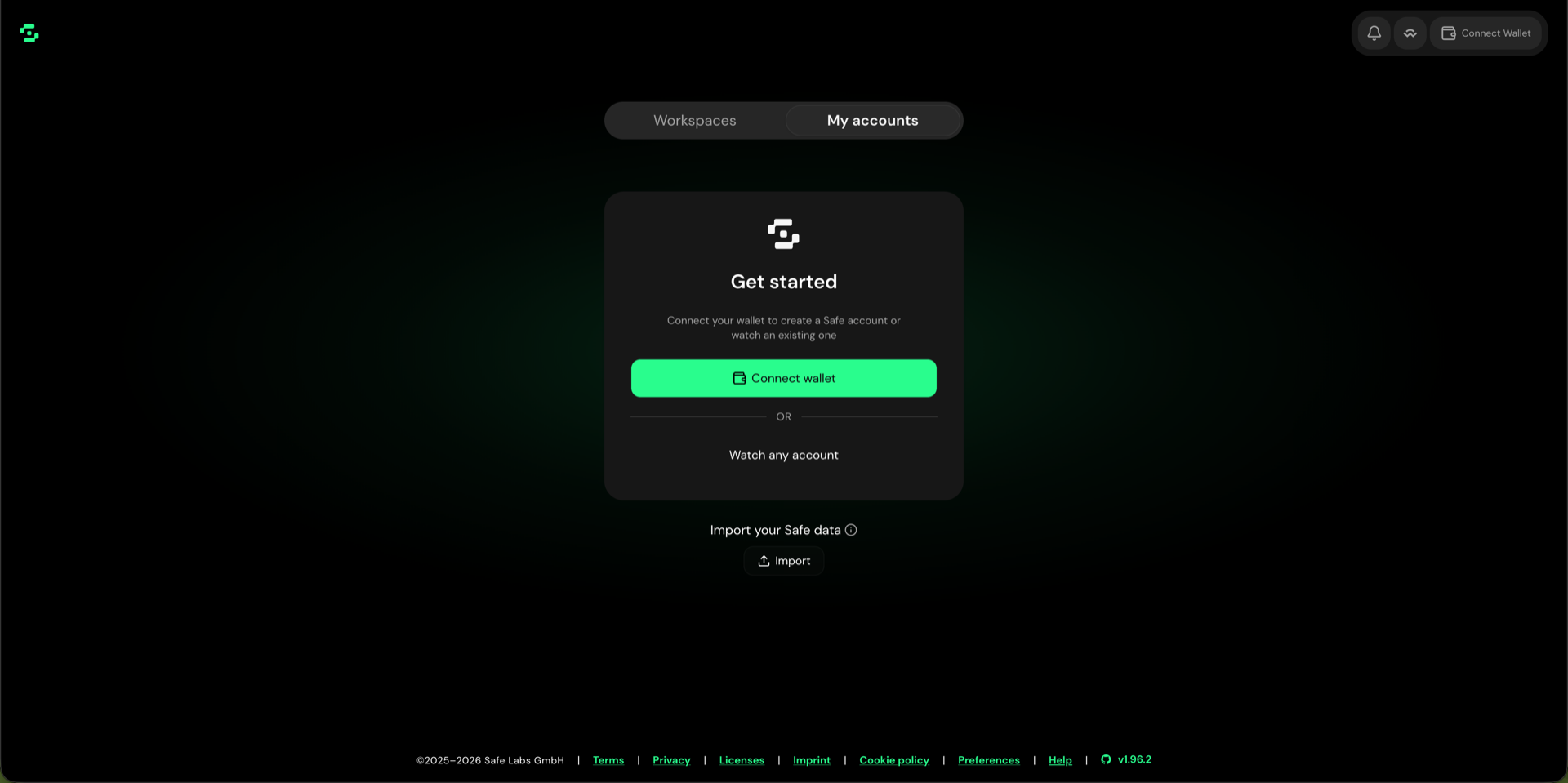
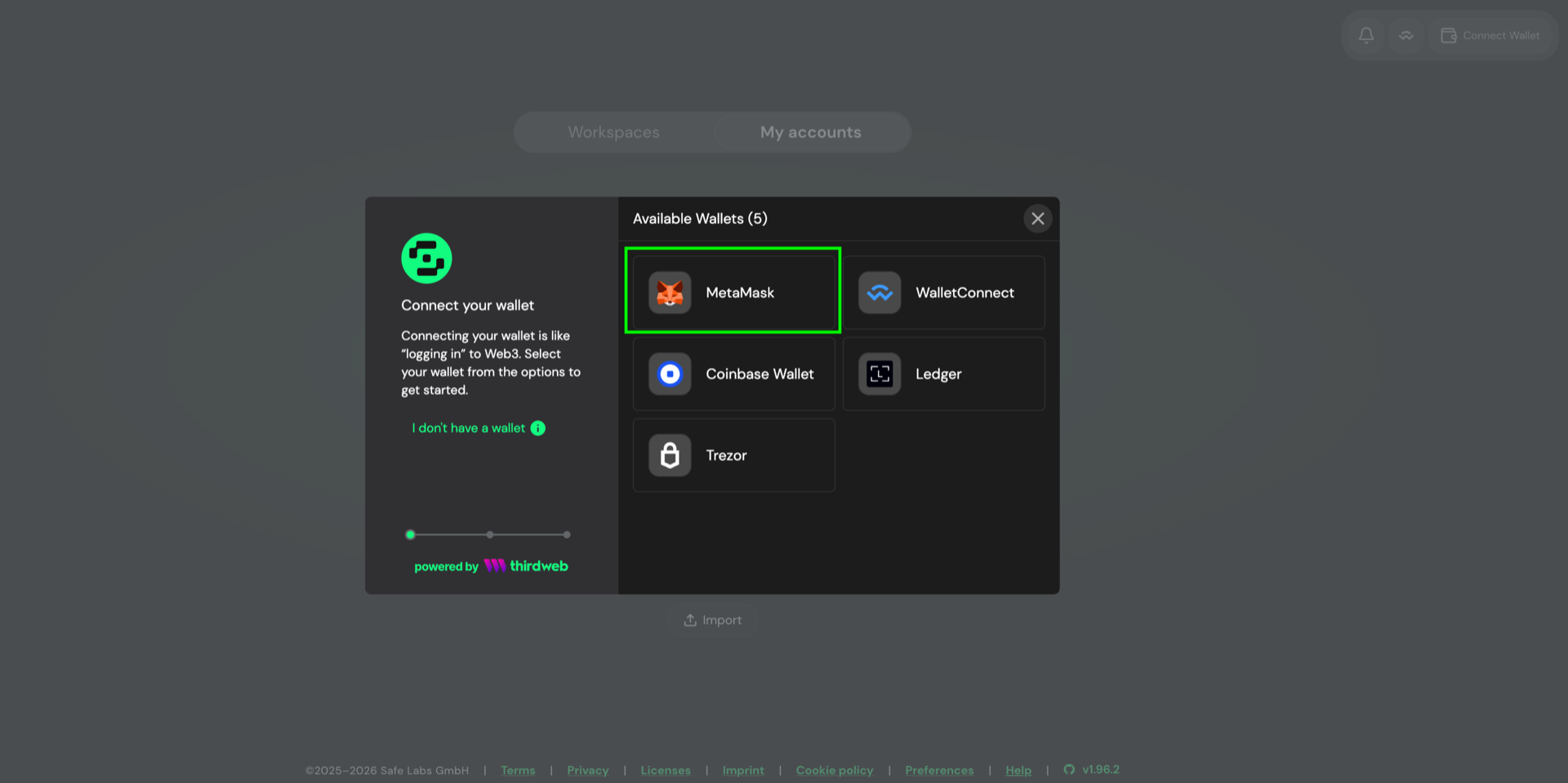
手順 2: 「ウォレットを接続」をクリックし、MetaMaskを選択します。このダイアログには、検出されたウォレットのみが表示されます。そのため、お探しのウォレットが表示されない場合は、まず拡張機能をインストールしてください。—Kaia Walletは、拡張機能をインストールするとここに表示されます。ウォレットおよびSafe Walletで、KaiaメインネットまたはKairosテストネットが選択されていることを確認してください。
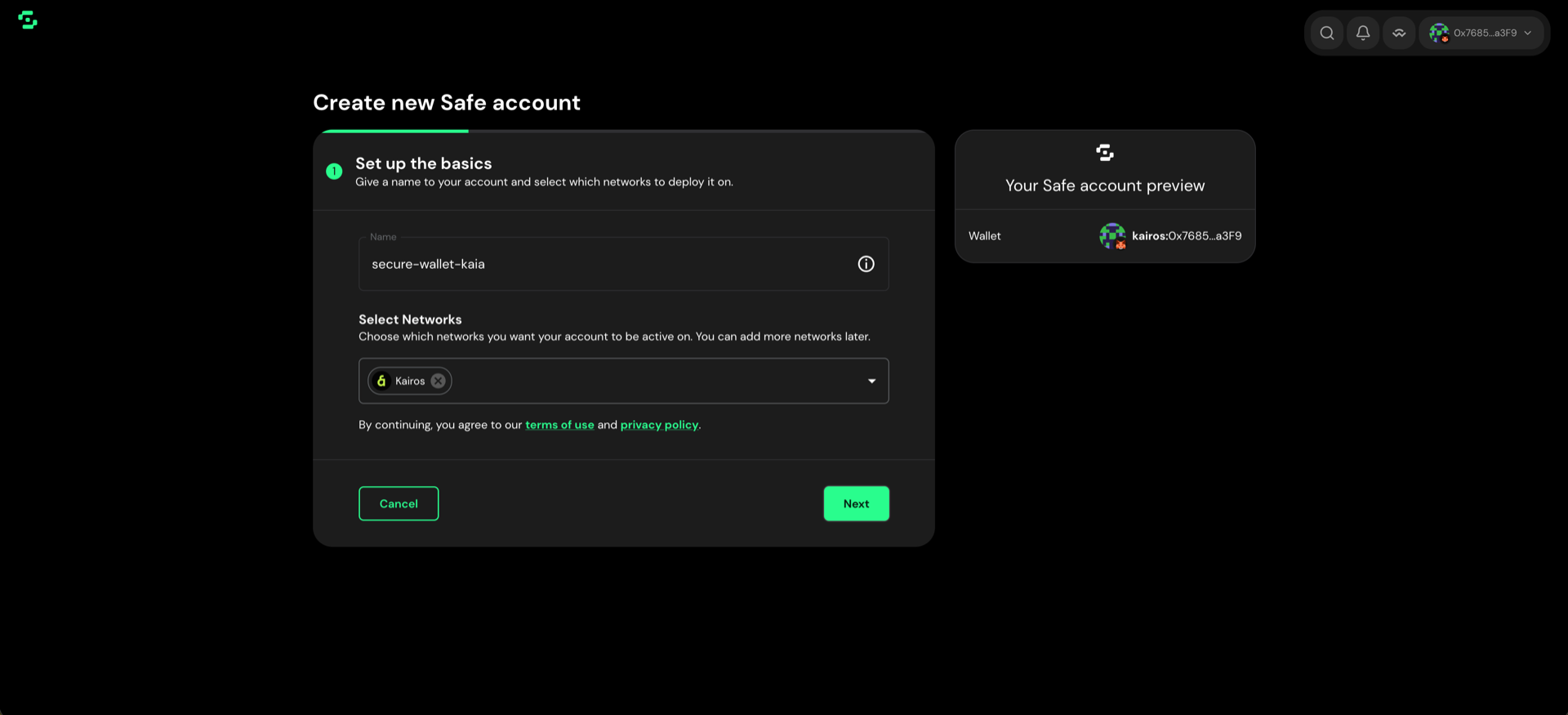
ステップ3: 「アカウントを作成」をクリックし、セーフに名前を付け、展開するネットワークを選択します。メインネットの場合はKaia、テストネットの場合はKairosを選択してください。後でネットワークを追加することもできます。**[次へ]**をクリックしてください。
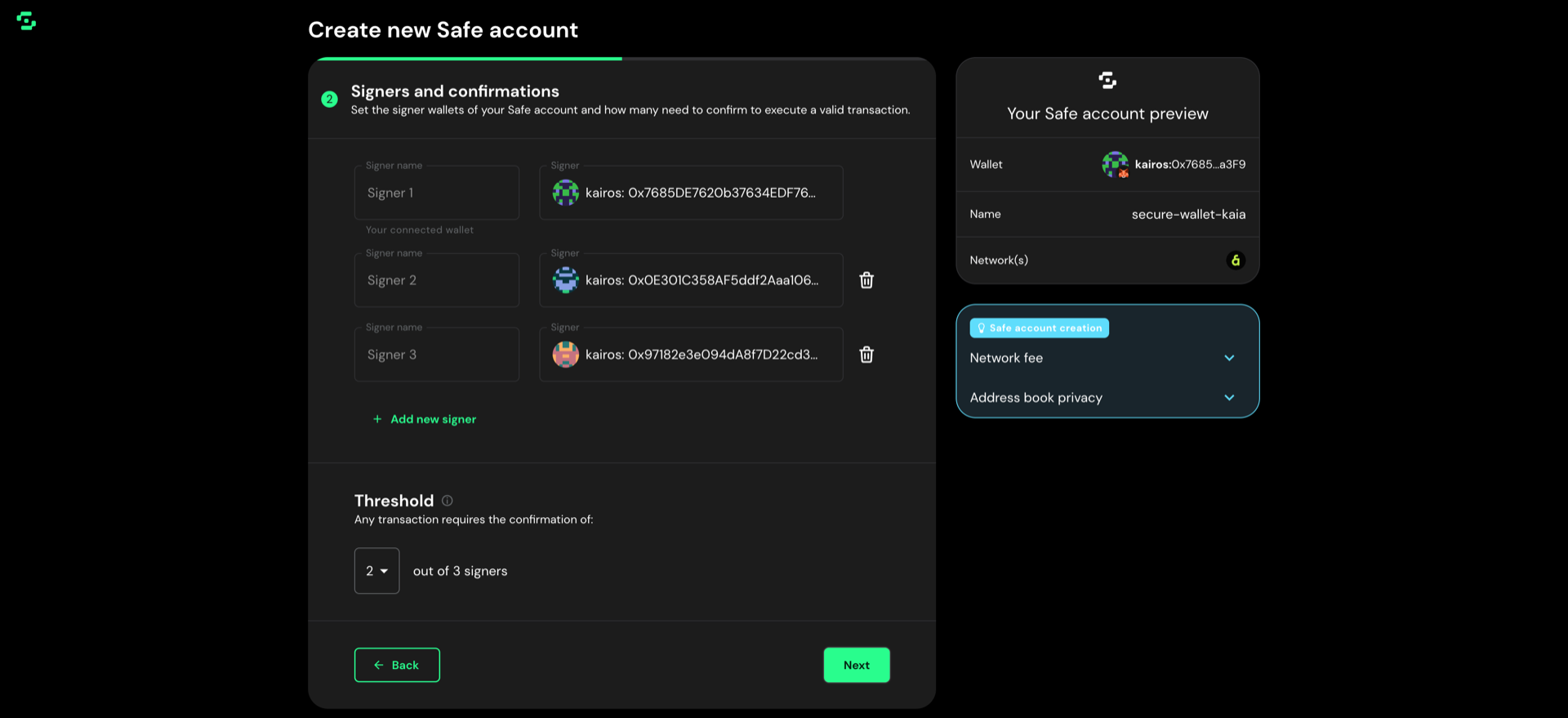
手順 4: 「署名者と承認」 で、トランザクションの提案および承認が許可されるアドレスを追加します。接続済みのウォレットは Signer 1 です。追加するごとに 新しい署名者を追加 をクリックしてください。名前は、自分用の参照用に保存される任意のラベルです。署名者は後で変更できます。
ステップ 5: しきい値を設定します。これは、取引が実行されるまでに確認が必要な署名者の人数です。 1より大きい値が望ましい。一般的な慣行として、署名者の約51%(例えば、3人のうち2人、あるいは5人のうち3人)が署名することが求められます。**[次へ]**をクリックしてください。
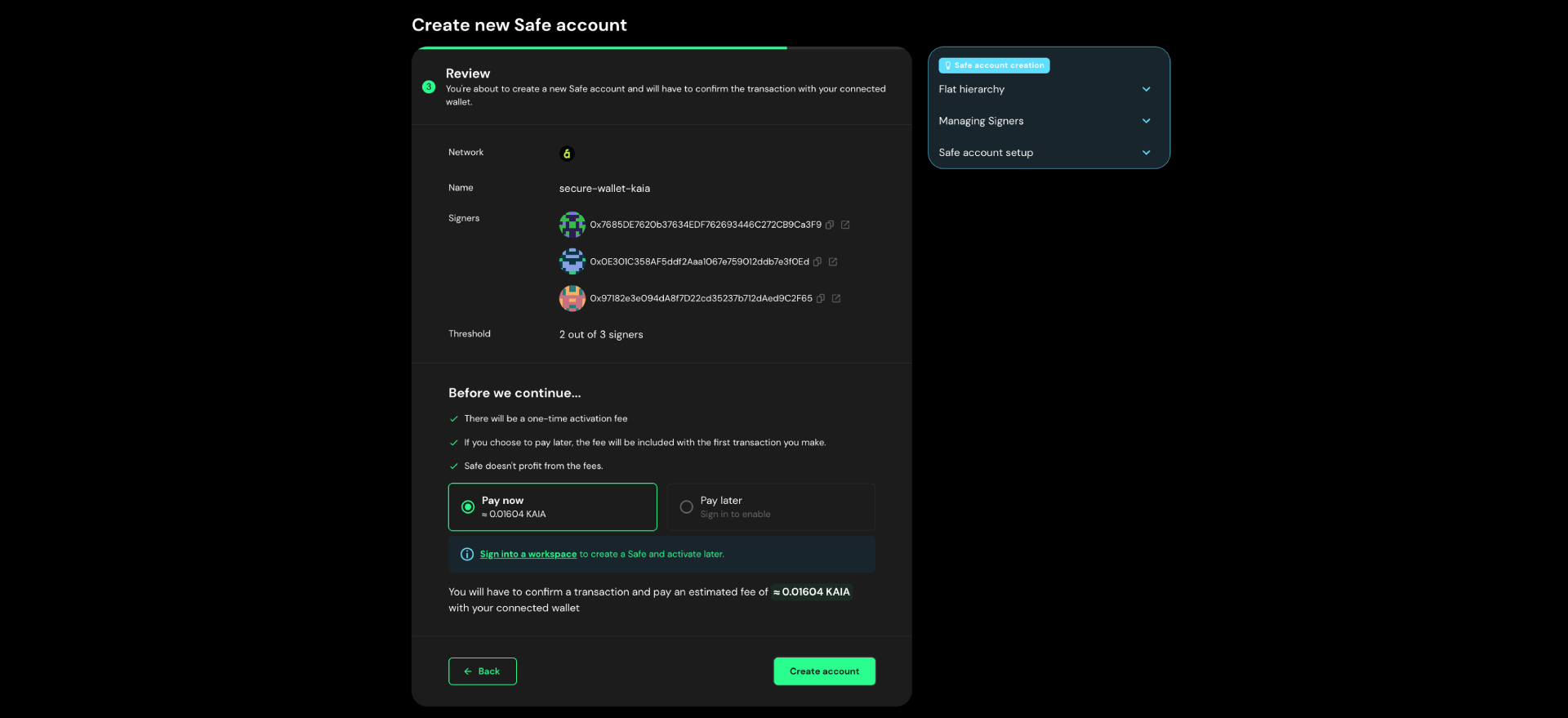
手順 6: ネットワーク、名称、署名者、および閾値を確認します。セーフの展開はオンチェーン取引であるため、KAIAでの1回限りのアクティベーション手数料がかかります。接続しているウォレットに十分な残高があることを確認してください。「アカウントを作成」をクリックし、ウォレットで取引を確認してください。
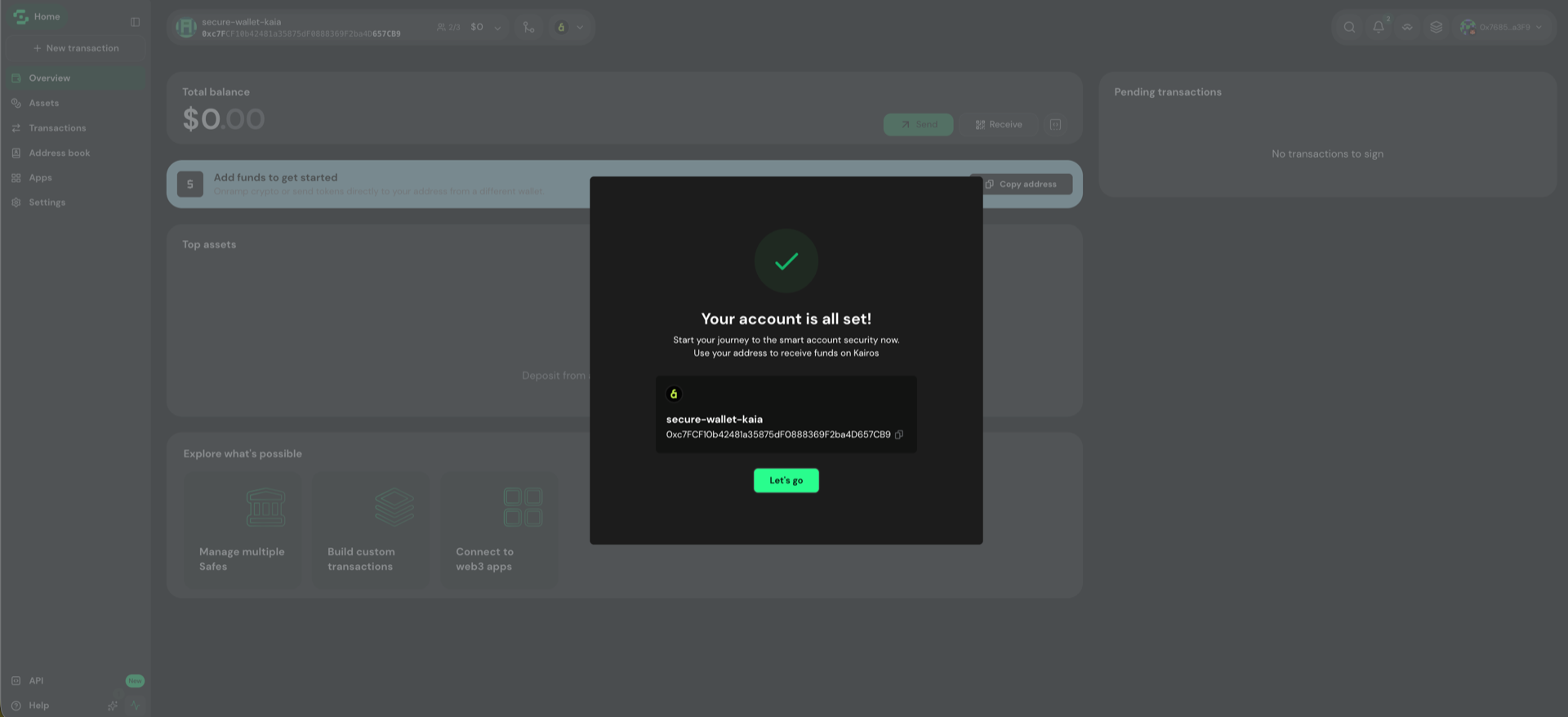
ステップ7: 取引が確認されると、セーフが利用可能になります。ダイアログにはそのアドレスが表示されます。これは、資金を受け取るために共有するアドレスであり、署名用ウォレットのアドレスとは異なります。**「さあ、始めましょう」**をクリックして、アカウントを開設してください。
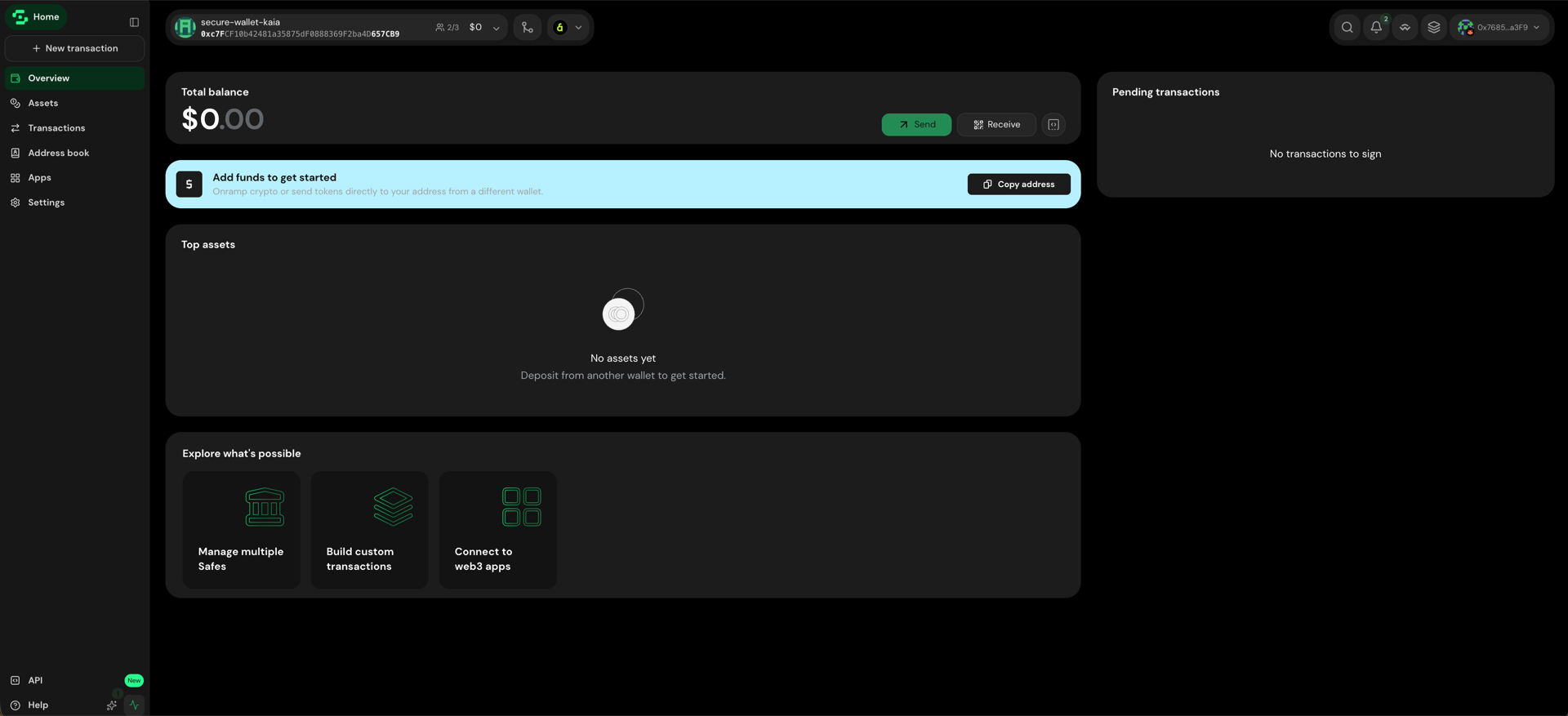
アカウントを開くと、概要画面が表示され、サイドバーには資産、取引、アドレス帳、アプリ、設定が表示されます。 「Safe」は空の状態から始まります。**「アドレスをコピー」**を使用して、別のウォレットから資金を移してください。
Safeアカウントの準備が整いました。
Kaia Safeのアカウント作成完了おめでとうございます!
アカウントのダッシュボードに表示されているセーフのアドレスに、KAIA、代替可能トークン、またはNFTを送金することで、セーフに資金を投入することができます。
カイア鉱床
- アカウントのダッシュボードから、Safeのアドレスをコピーしてください。
- ウォレット(MetaMask、ハードウェアウォレット、または資金が入金済みのその他のアカウントなど)から、そのアドレス宛にKAIAを送金してください。
- 送金が確認されると、残高はSafe Walletの**「資産」**欄に表示されます。
Kaiaアカウントへの送金が可能であれば、どのアドレスからでも「Safe」に資金を入金できます。 MetaMaskでのネットワーク設定については、MetaMaskをKaiaに接続するをご覧ください。
代替可能トークンの預入
- Safeのアドレスをコピーしてください。
- ウォレットのトークン一覧から、そのトークンを選択し、Safeアドレスに送信してください。
- Safe Walletの**「資産」**で送金を確認し、残高を確認してください。
NFTの預入
- Safeのアドレスをコピーしてください。
- NFTを保管しているウォレットを開き、「転送」を選択してください。
- 「Safe」のアドレスを貼り付け、確認した後、Safe Walletの**「資産」** → **「NFT」**でそのアドレスを確認してください。
メインネットでは、OKX NFTマーケットプレイスなど、Kaiaに対応しているマーケットプレイスからも送金を行うことができます。 Kairosでは、上記のウォレット送金機能をご利用ください。
資産を送る
KAIAとトークンを送る
手順 1: 「新規取引」 をクリックし、「トークンの送金」 を選択します。
手順 2: 受取人のアドレスを入力し、トークンと金額を選択してください。MAX を選択すると、残高全額が自動的に入力されます。 1回の取引につき、最大5人の受取人を追加できます。**[次へ]**をクリックしてください。
ステップ3: 詳細を確認し、「署名」をクリックしてから、ウォレットで承認してください。署名を行ってもトランザクションは送信されません。トランザクションは、閾値に達するまでトランザクションのキューに残り、閾値に達した時点で、どの署名者でもそれを実行できるようになります。
NFTを送信する
- 「新規取引」をクリックし、「NFTを送信」(またはSafe Walletにおける同等のNFT転送フロー)を選択してください。
- NFTと受取人を選択してください。
- 内容を確認し、必要な署名を集め、署名・捺印を行う。
時間の経過とともに変更されるUIの詳細については、Safe Wallet ヘルプセンターをご覧ください。
補足
取引手数料
安全な取引(資産の移転や契約のやり取り)には、その取引を実行する所有者(通常は閾値に達した最後の署名者)が支払うネットワーク手数料が発生します。
安全なノンス
セキュリティ上の理由から、セーフトランザクションは順序通りに実行する必要があります。各トランザクションにはnonceが割り当てられています。 nonce が 最後に実行された値 + 1 であるトランザクションのみが実行可能です。それより大きい nonce のトランザクションは、それより前のトランザクションが完了し、十分な署名が集まるまでキューに残ります。
チェーン固有のアドレスプレフィックス
ダッシュボードから「セーフアドレス」をコピーする際、転送先のウォレットがチェーン名のプレフィックスを受け付けない場合は、プレフィックスを含めないようにしてください。転送エラーを防ぐため、プレフィックスなしのアドレスを貼り付けてください。